Capture the order during the meeting, not from memory that evening
How KepleR turns field order taking into a quick, accurate, re-entry-free reflex.
The scenario every sales rep knows
The order gets jotted on a paper form or notepad, then re-entered that evening into a spreadsheet. In the meantime, a discount gets dropped, a reference changes, a pack size falls through the cracks. The result: errors that come back as complaints, several hours lost each week, and an order that takes two days to go out when the client was ready to sign.
How KepleR solves it
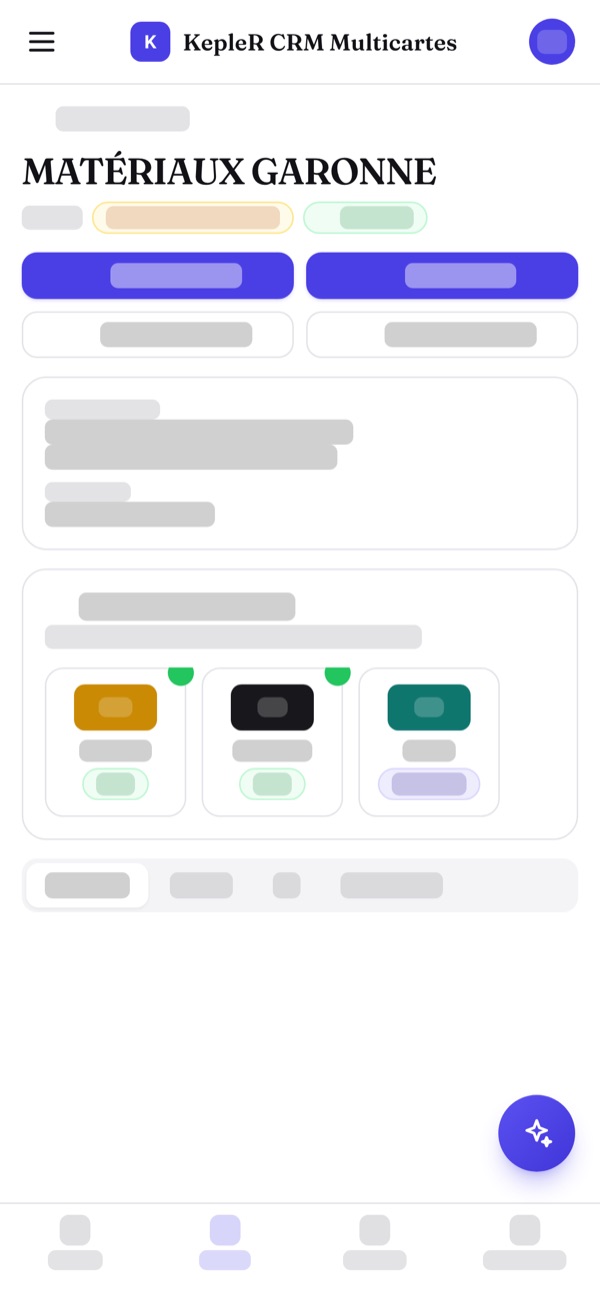
The client record opens
In one tap, you find the client, their history, and their latest orders.
You build the order
By search or EAN barcode scan; the principal's and retail banner's conditions are applied automatically.
The quote becomes an order
An approved quote converts into an order right on the spot, with nothing to re-enter.
Sending is immediate
The order goes to the right principal, clean, with no pricing errors or missing references.
The result: accurate orders sent the same day, and an evening no longer spent on data entry. That time goes back into selling.
What you gain
Cash flow that keeps pace
An order captured on-site is an order that goes to the principal the same day, meaning invoicing doesn't wait. Over a busy week, the difference adds up to days of lead time saved and complaints avoided. Multiplied across an entire territory, that's revenue coming in faster and a client relationship that doesn't suffer because of a pricing error. The sales rep stays in control of their activity, without spending evenings catching up on the day's data entry.
Frequently asked questions
How long does a twenty-line order take?
A few minutes: each scan adds a line with the correct price, you enter the quantity, and the conditions are calculated. The document is ready to send as soon as you reach the last line.
Does the client receive a confirmation?
Yes, if you wish: the order formatted with your logo is sent to the principal with a copy to the client, in one click.
What if the client wants a quote first?
You issue the quote on the spot, choose a follow-up date, and KepleR reminds you. Once approved, it becomes an order with no re-entry.
Explore further: orders and quotes in detail · client analysis · pricing and features.