
Why a sales agent needs a dedicated CRM
A CRM for sales agents addresses very different constraints from those of an in-house employed sales representative. You manage several principals, a client portfolio sometimes spread across multiple regions, sales routes to plan and commissions to track — often entirely on your own, from your phone or tablet. A spreadsheet or appointments diary quickly reaches its limits when the number of principals grows and every visit counts.
According to the Fédération nationale des agents commerciaux (FNAC), the average commission for an agent ranges between 5% and 15% of turnover generated. Every poorly followed-up client, every missed visit, is commission lost. A CRM designed for the field prevents precisely these silent losses.
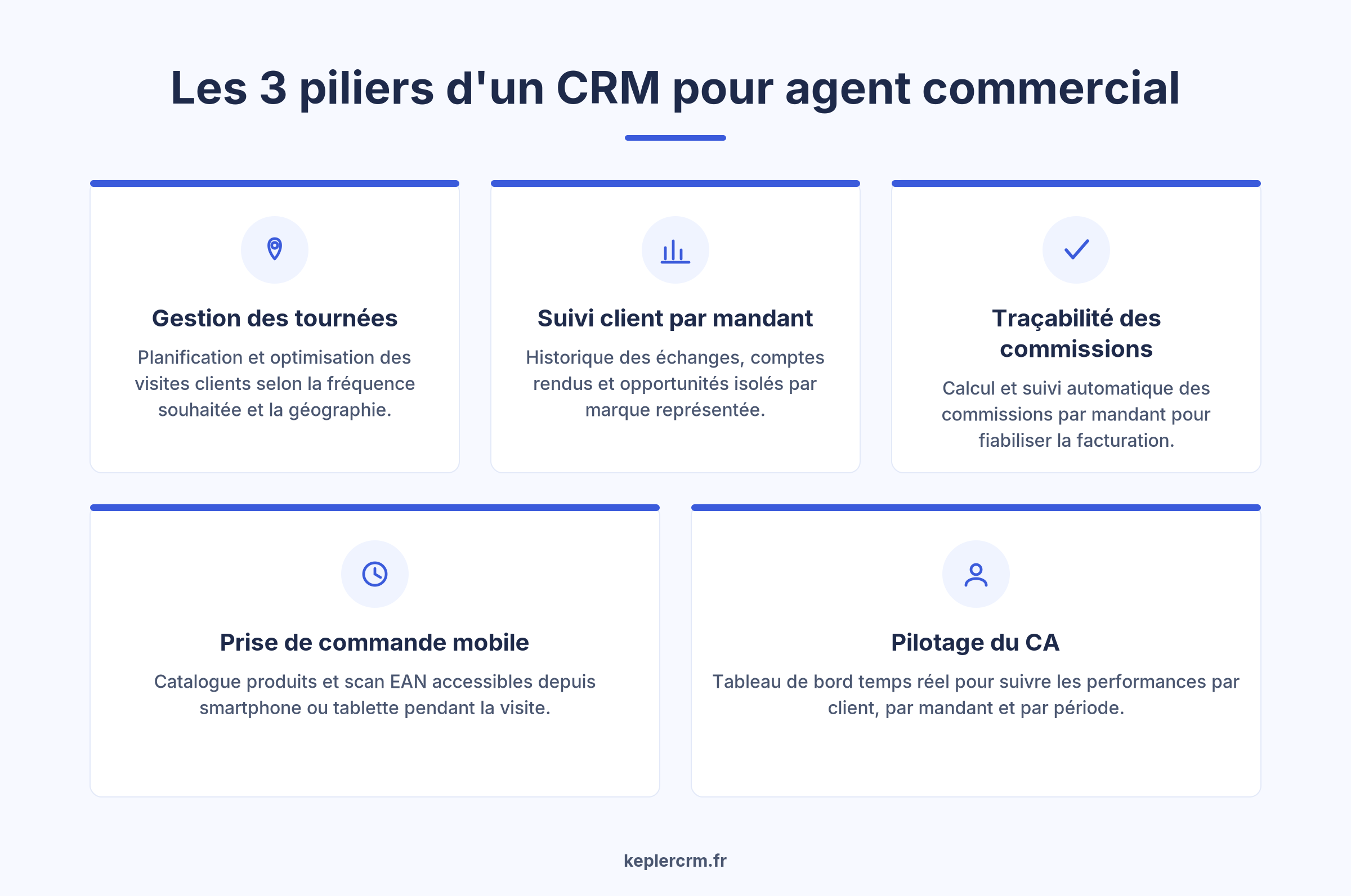
Generic CRM tools were built for marketing teams or complex B2B sales cycles: they come loaded with features a multi-line sales agent will never use and consistently lack the essentials — route management, tracking by principal, fast mobile order taking. You need a tool built around your day-to-day reality.
How to set up your KepleR CRM in 5 steps
Getting to grips with a CRM should not cost you a week of configuration. With KepleR, the setup follows a field-first logic: from the simplest actions to the most comprehensive, without ever forcing you to configure everything at once.
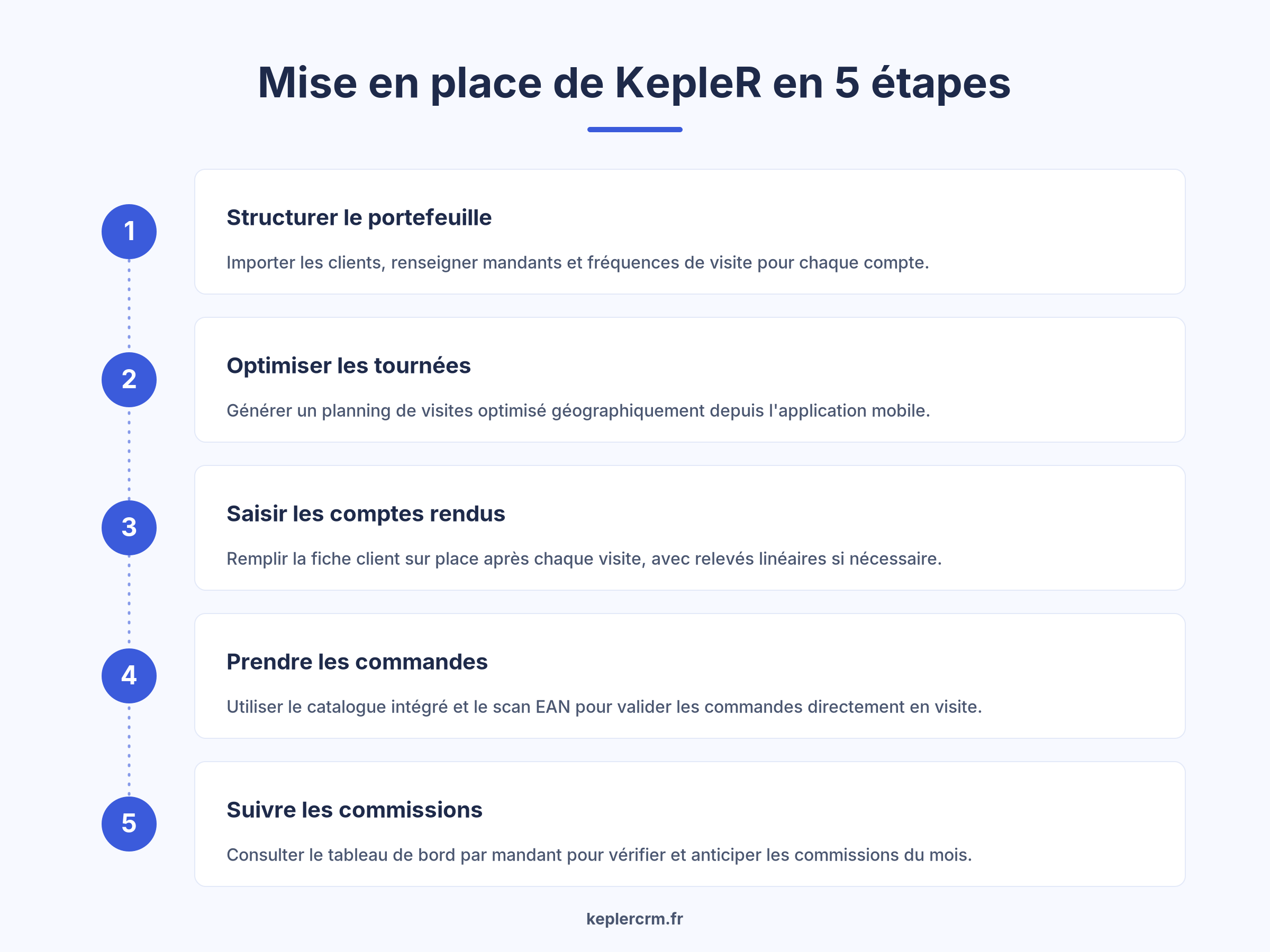
Step 1 — Structure your client portfolio
The first concrete action is to import or enter your clients into KepleR. Each client record is linked to one or more principals, allowing you to isolate data immediately by brand represented. Fill in:
- The client's name, address and industry;
- The desired visit frequency (weekly, monthly, quarterly);
- The relevant principal and the associated commission rate.
This database becomes the heart of your activity: everything else — sales routes, visit reports, commissions — is built on top of it.
Step 2 — Organise and optimise your sales routes
Once your clients are entered, KepleR generates and optimises your call plans taking into account each client's visit frequency and minimising kilometres travelled. You get a coherent schedule, accessible from your phone, tablet or computer, without having to recalculate it manually every week.
In the field, the app shows you the clients to visit that day, in the right geographical order. No more unnecessary back-and-forth and no more strategic clients missed simply because they were not in your diary that day.
Step 3 — Carry out your visits and log your visit reports
During or immediately after each visit, complete the client record directly from your mobile: a visit report, next actions, follow-up date. For clients in grocery retail or specialist retail, KepleR includes a full shelf audit module:
- Out-of-stock audits and price audits;
- On-shelf range compliance checks;
- Analysis of data collected on each visit.
This information is automatically added to the account history, saving you from digging through paper notes before your next appointment.
Step 4 — Take orders with the built-in catalogue
KepleR includes an order-taking module with EAN barcode scanning. During your visit, you browse the product catalogue, scan references where needed and confirm the order directly from your tablet or smartphone. The order is entered once only, with no re-keying on the administrative side.
For longer sales cycle files — industrial deals, public tenders, trading — KepleR also offers a business opportunity tracker that lets you manage each opportunity over time, with key contacts and milestones reached.
Step 5 — Track your commissions and monitor your turnover
This is often the most time-consuming step without a dedicated tool. In KepleR, every recorded order automatically feeds the commission tracking by principal. You see in real time:
- Turnover generated by client and by principal;
- Commissions due for the period;
- Month-by-month trends to help you anticipate your cash flow.
This dashboard replaces makeshift Excel files and reduces the risk of errors or omissions at invoicing time.
The measurable benefits for your business
Adopting a CRM tailored to the sales agent profession does not simply mean a more comfortable working experience. The impact is concrete and quantifiable in your day-to-day:
- Fewer kilometres travelled: native route optimisation reduces unnecessary distances, cutting your travel costs and freeing up time for additional visits.
- Zero clients forgotten: the visit frequency set for each account ensures no one falls into a blind spot in your portfolio.
- Immediate visit reports: logged on the spot, they are available to you and your principals as soon as you leave the meeting, with no re-keying in the evening.
- Reliable commissions: automatic tracking by principal prevents oversights and makes it easier to verify the statements you receive each month.
- Administrative time savings: centralising clients, orders, visit reports and commissions in a single tool eliminates constant switching between multiple applications.
KepleR can be used by a sole independent sales agent as well as by a sales agency with several field representatives. The subscription is €89 / month excl. VAT, all inclusive, with no hidden costs and no optional modules to add. You can view the full feature details on the KepleR pricing and features page.
Frequently asked questions
Does KepleR CRM work on all devices?
KepleR is available on Android, iOS, iPadOS, macOS and Windows, as well as in a web browser. The application works entirely online, ensuring your data is always synchronised across all your devices. You see the same information on your smartphone in a meeting and on your computer back at the office.
Can I manage several principals within the same CRM?
Yes, that is precisely one of KepleR's strengths for multi-line sales agents. Each client can be linked to one or more principals, and commission tracking is handled independently by principal. You get a clear view of your performance for every brand you represent.
Is KepleR suitable for all industries?
KepleR adapts to almost every sector: food and drink, industry, trading, cosmetics, textiles, grocery retail, and more. The only sector not covered is property. If your activity is outside property, KepleR is built for you.
Conclusion
Setting up a CRM for sales agents is above all about choosing a tool that speaks your language: optimised sales routes, mobile visit reports, commission tracking by principal, fast order taking. The five steps detailed above let you be up and running within a few hours, with no complex training or endless configuration.
If you would like to see KepleR in action before getting started, a one-hour demonstration is available free of charge — with no commitment. Visit keplercrm.io to start your free trial or book your demonstration slot.